
Broadcast status & studio signalling
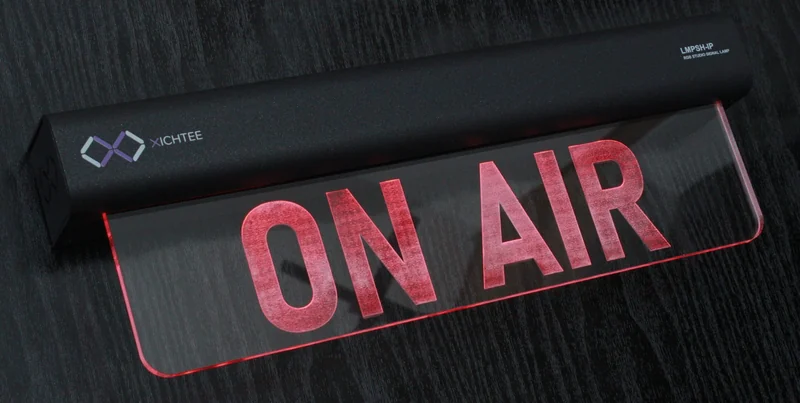
LMPSH-IP PoE RGB studio signal lamp
Make your studio status clear.
An illuminated studio sign with configurable RGB cues, browser setup, and power and control over one Ethernet connection.
- Power & data
- PoEIEEE 802.3at Class 4
- Sign sections
- 1 or 2Single or independently controlled dual format
- Priority Rules
- 5Per active sign section
Your message. Your studio.
One clear message. Or two distinct cues.
For radio and television studios, voice-over booths, production control rooms and OB facilities. Specify the engraved sign text for your workflow.
One full-width sign
Make a studio entrance or recording space easy to read. One illuminated section displays your engraved message, with configured colours and effects indicating the current state.
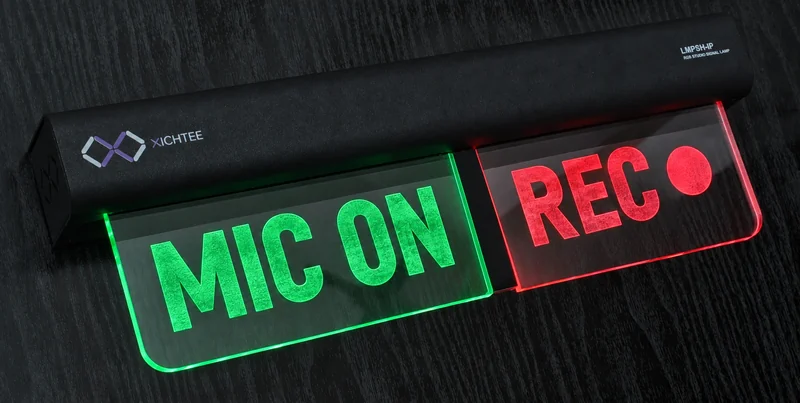
Two independent sections
Show two cues on the same lamp, such as microphone and recording status. Each section has its own Rules and can display a different configured colour or effect.
Connect to your workflow
Control that fits your setup
Five priority Rules per active section, ten Presets and ten shared Custom Effects turn broadcast and control events into repeatable visual cues.
Included
- TSL UMD 3.1
- Pro-Bel SW-P-08
- OSC 1.0
- REST API
Optional licences
- Ember+
- MQTT
- Cluster Mode
Optional Cluster Mode licence
One Active master. A coordinated system.
Link a Primary, an optional standby Backup and 1–32 read-only Followers. Send shared control and configuration changes to the current Active master.
The Active master distributes selected application configuration and live Rule state. Each device keeps its own network settings, users, licences and Cluster topology.
When the Primary is unavailable
- A ready Backup becomes Active.
- Followers use the Backup.
- External clients reconnect or retarget the Active master.
& live Rule state
Product details
An integrated sign. A single network connection.
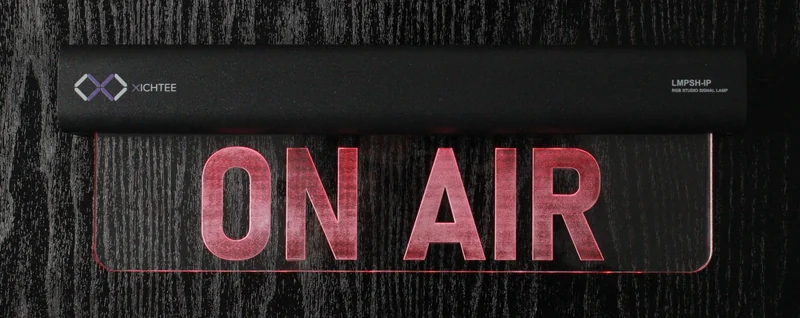
One compatible PoE connection supplies power and IP control data. Find the lamp with the XICHTEE Discovery Tool, then configure it in a standard browser.
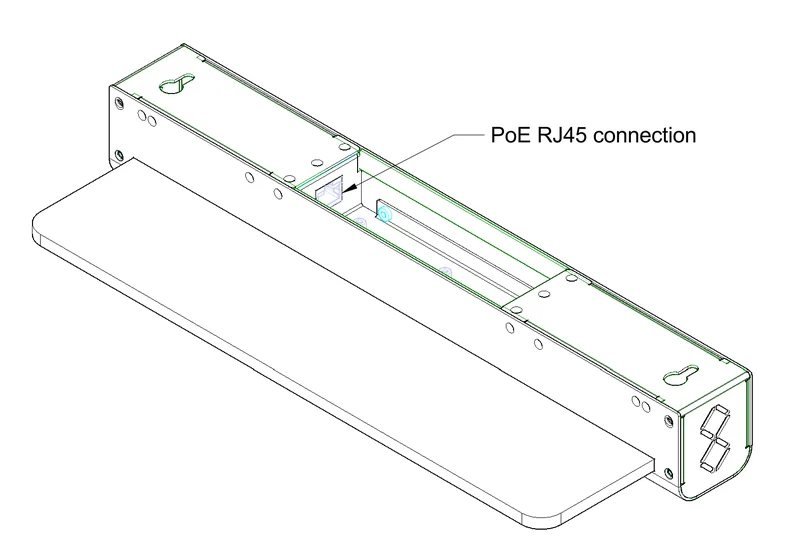
Technical specifications
| Power | PoE · IEEE 802.3at Class 4 |
|---|---|
| Display | Engraved acrylic sign · One or two independently controlled RGB sections |
| Control | Five priority Rules per active section · Ten Presets · Ten shared Custom Effects |
| Network & setup | RJ45 Ethernet · DHCP or static IPv4 · Browser configuration |
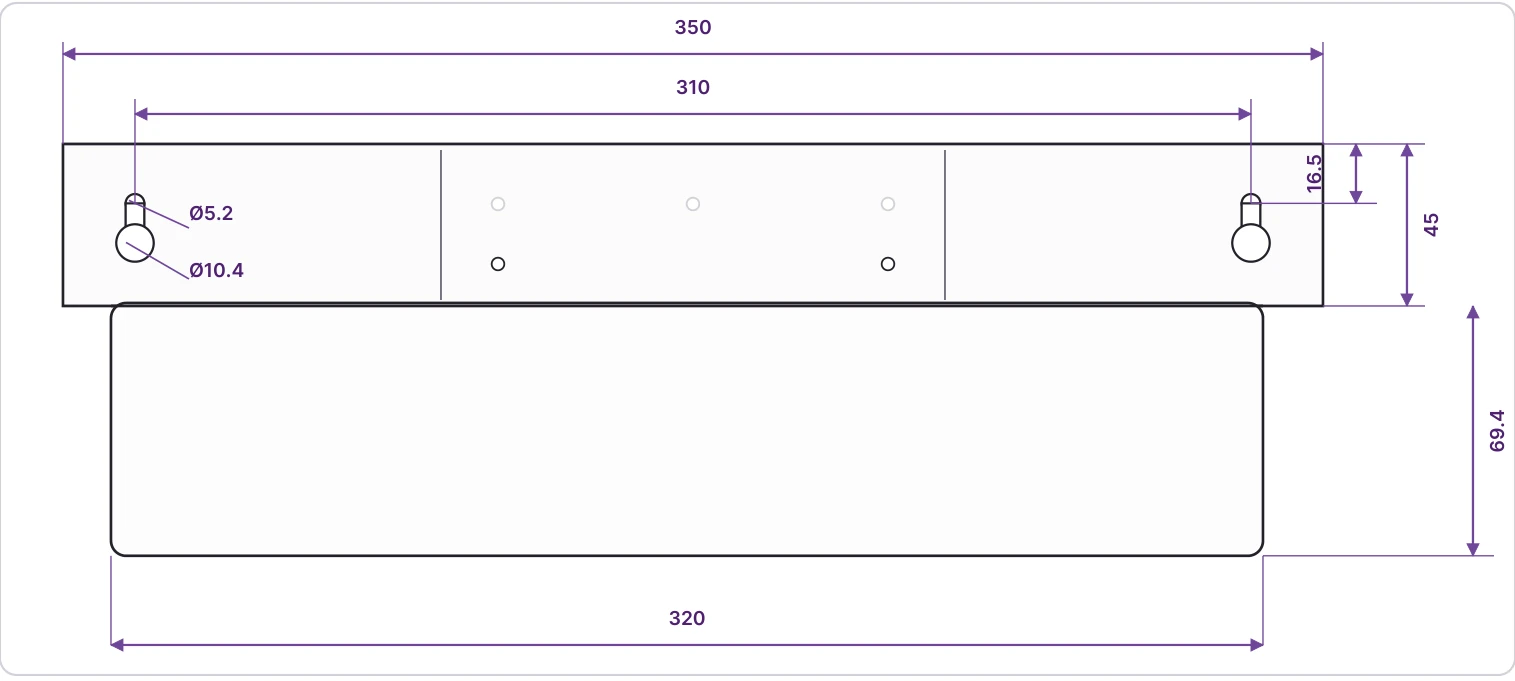
| Overall dimensions | 350 × 115 × 50 mm, including the illuminated panel |
Mounting & dimensions
Overall size: 350 × 115 × 50 mm. Mounting centres: 310 mm. Dimensions are in millimetres; the drawing is not to scale. Confirm dimensions before installation.
Plan your integration
Documentation & downloads
Documentation for firmware v1.3.0 Release, build 310. All PDFs and software links open in a new tab.
Product documents
Protocol & Cluster guides
English PDFs. Ember+, MQTT and Cluster Mode require their respective licences.
Firmware & discovery tool
The firmware package and documentation are for v1.3.0 Release, build 310.
